Navigate
Commands
-
Agency -
Files -
Documentation -
Connectors -
Contact Us -
Hurozo CLI -
Hurozo SDK






Worker Tools
Tools
Loading...Worker View
No tools selectedWorker Chat
Draft JSON
{}Teams
Teams are managed from Agency.
Connectors
Connectors
Connect services for the current agency
Loading connectors…
Agency
Team workspace
Planning
Team workforce
Personal Team
Build
Runs
Execution activity
Runs
Inspect Worker work, tool calls, reasoning summaries, and failures.
Select a run to inspect its activity.
Files
Deployment Centers
Infrastructure delivery
Deployment Centers
Manage infrastructure delivery across your registered cloud landscapes.
Documentation
Contact Us
Hurozo CLI
Terminal-first agent work
Hurozo CLI
The same Hurozo agent runtime, model routes, approvals, and connected tools from your shell.
Install with Homebrew
brew tap hurozo/hurozo-cli
brew install hurozo-cli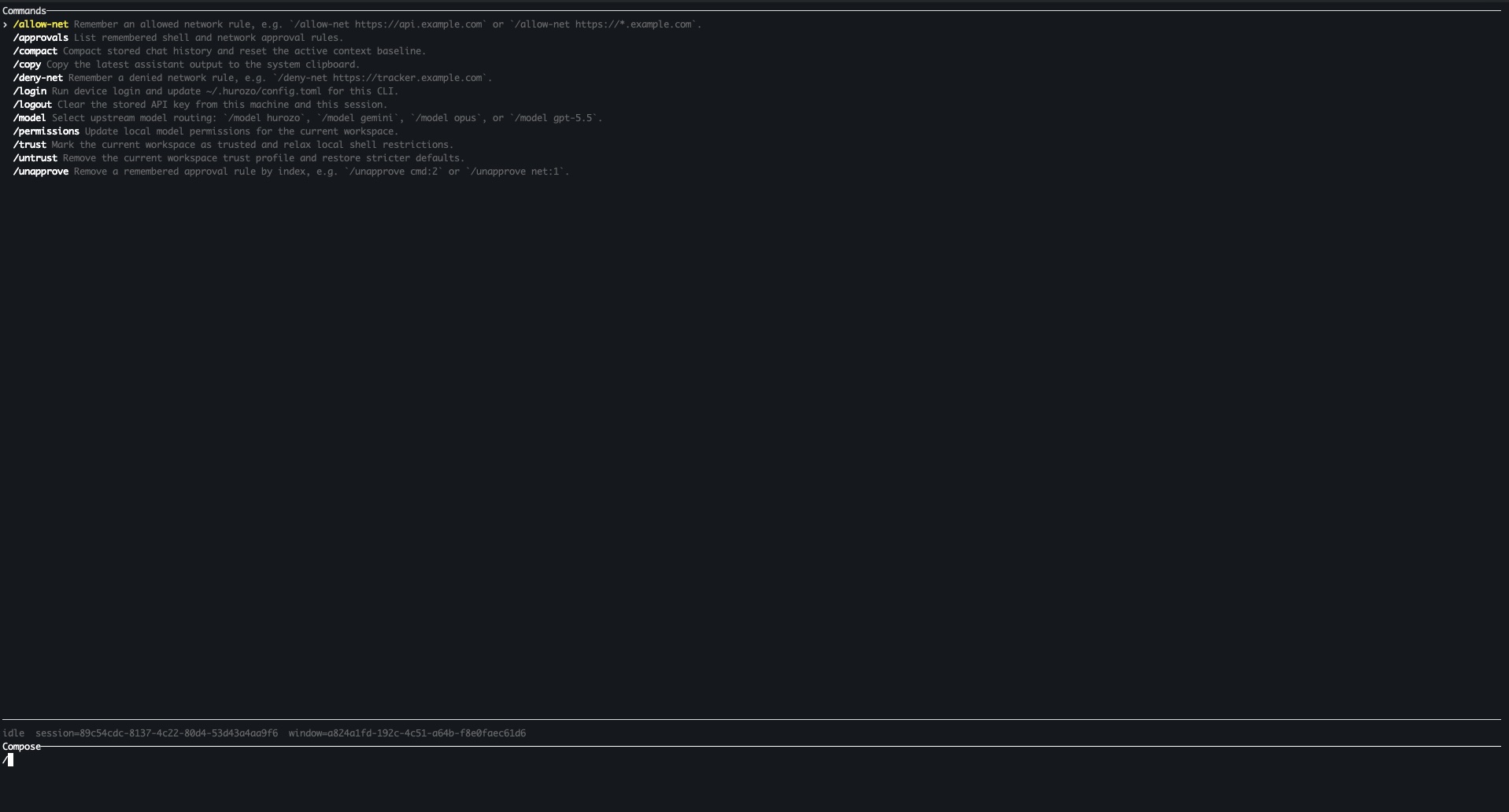
Model routing
Switch between Hurozo, Gemini, Opus, and ChatGPT-backed routes when your account is configured for them.
Approvals
Review tool permissions from the terminal and keep remembered decisions scoped to the exact operation.
Second opinions
Use model arbitration to ask another available route for critique, checks, or a different perspective.
Connected tools
Use the same account-backed connectors and skills available in Hurozo's desktop and WebCLI experiences.
Hurozo SDK
Python agent invocation
Hurozo SDK
Invoke saved Hurozo agents from Python using the same API tokens, inputs, outputs, and runtime routing used by Agent Builder.
Install
pip install hurozoimport json
import os
from hurozo import Agent
os.environ["HUROZO_API_TOKEN"] = "YOUR_API_TOKEN"
agent = Agent("sentiment-analyser")
inputs = {
"prompt": "Analyze sentiment and return JSON. Text:",
"input": "I am very happy!",
}
result = agent.run(inputs)
print(json.dumps(result, indent=2))Agent lookup
Use an agent name, saved agent id, or agent UUID. The SDK resolves the correct execution target.
Structured inputs
Pass a Python dictionary matching the API input keys exposed by the saved workflow.
Hosted runtime
Runs against Hurozo's execution endpoint, including model routing, tools, outputs, and usage accounting.